
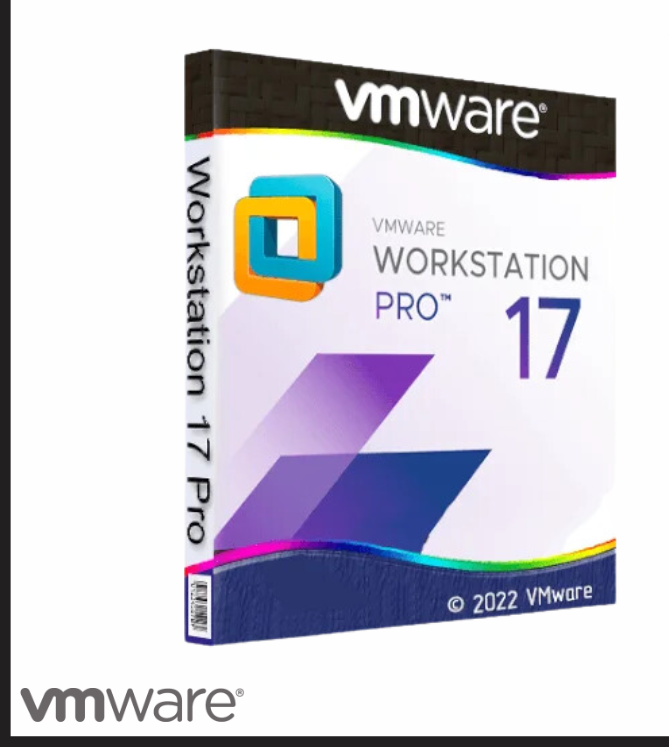
Experience advanced desktop virtualization with VMware Workstation 17 Pro, the leading solution for IT professionals, developers, and businesses. This software allows you to run multiple operating systems like Windows, Linux, and more simultaneously on a single PC, making it perfect for testing, development, and professional workflows.
With high performance, support for the latest hardware, DirectX 11, and multi-core processors, VMware Workstation 17 Pro ensures smooth and reliable virtual machines. Advanced features such as snapshots, clones, secure boot, and virtual networking provide flexibility and security for your projects. Trusted by millions of users worldwide, it is the ultimate tool for virtualization, learning, and safe testing environments.
🛠️ How to Download and Activate VMware Workstation Pro 17
To get your system running smoothly, follow these official steps to complete your VMware Workstation Pro download securely:
-
Create a Broadcom Account: Go to the official Broadcom support portal to register.
-
Access the Download Section: Search for the official download VMware Workstation Pro or VMware Workstation Player download packages.
-
Install the Software: Run the installer on your PC and complete the setup wizard.
-
Activate Your License: Open the application, click on the license activation prompt, and enter the genuine VMware Workstation Pro license key you received from our store to unlock lifetime features.
❓ Frequently Asked Questions (FAQ)
What is new in VMware Workstation Pro 25h2 compared to 17.6?
If you are wondering whats new in vmware workstation pro 25h2 compared to 17.6, Broadcom’s latest 2026 update brings deep optimization for the newest Windows 11 builds, enhanced security patches over older 17.6 versions, and faster hardware acceleration for resource-heavy virtual environments.
VMware Fusion vs Workstation: Which one do you need?
When comparing vmware fusion vs workstation, the choice depends entirely on your system. VMware Workstation is built for Windows and Linux hosts, while VMware Fusion is dedicated strictly to macOS devices.
Where can I find the VMware Horizon Client Download?
If you need remote enterprise desktop access alongside your local VMs, you can grab the secure vmware horizon client download directly from the official portal to establish an instant, secure VDI connection.
Reviews
There are no reviews yet.